

Darius
-
Posts
8 -
Joined
-
Last visited
Recent Profile Visitors
1427 profile views



-
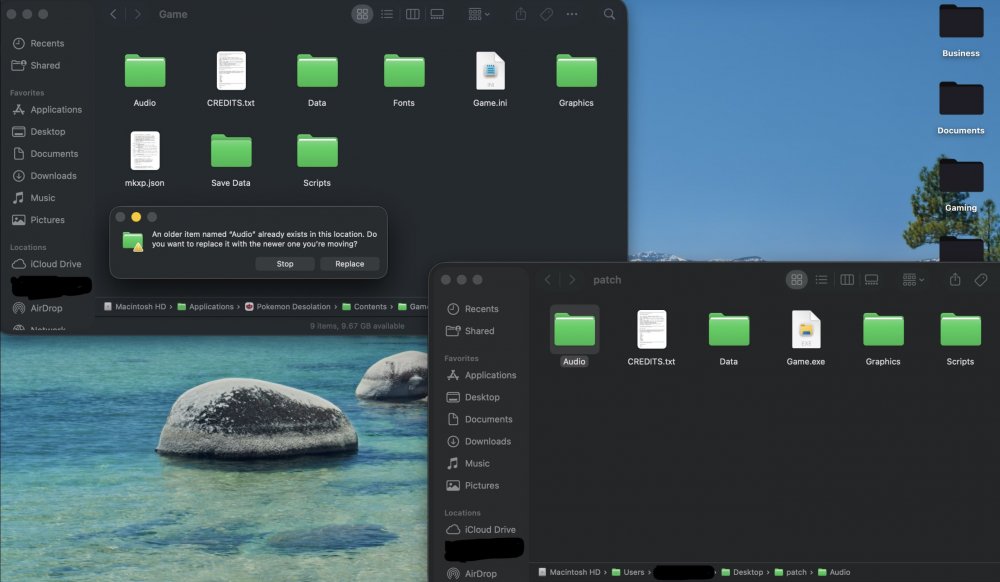
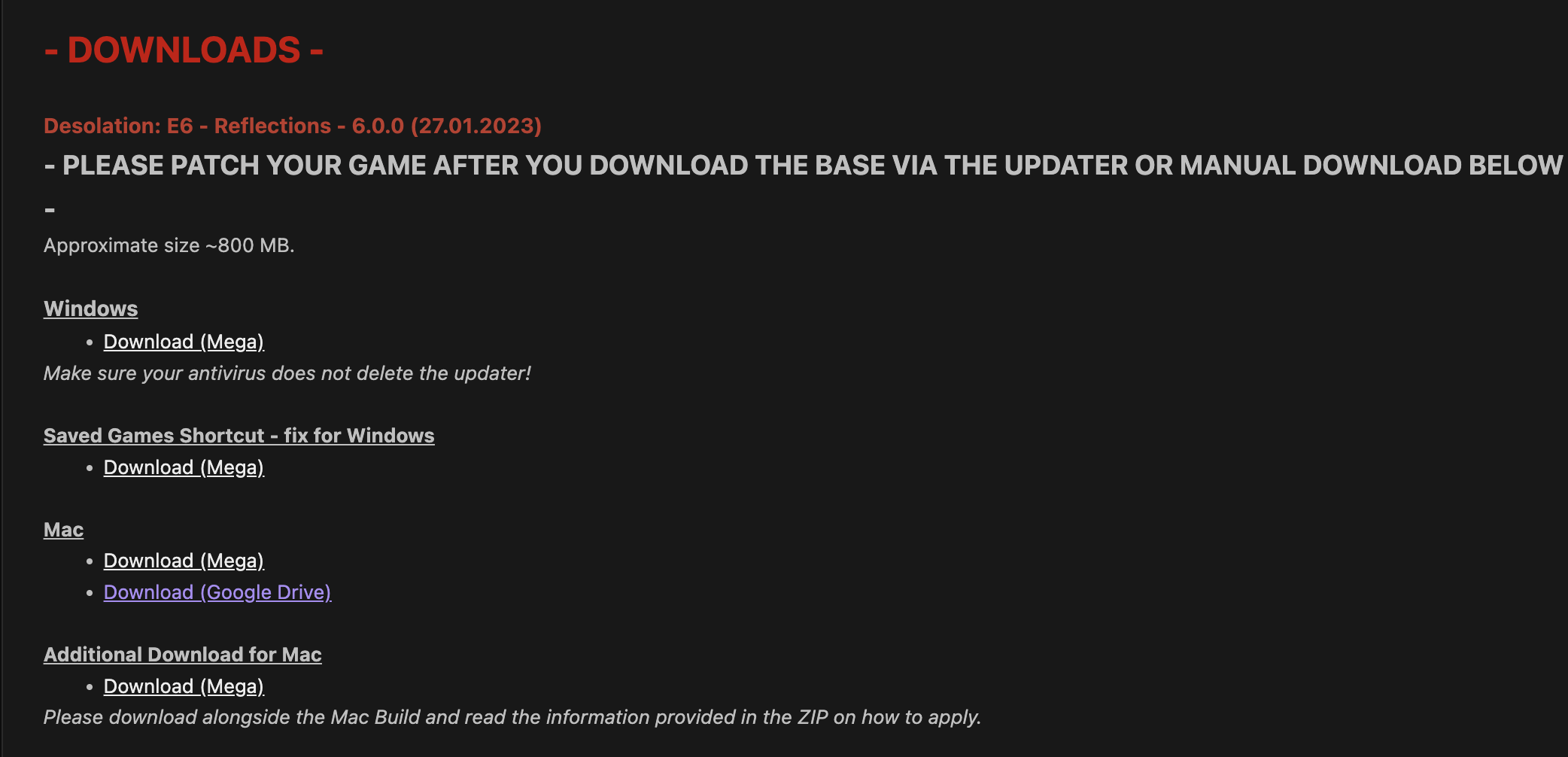
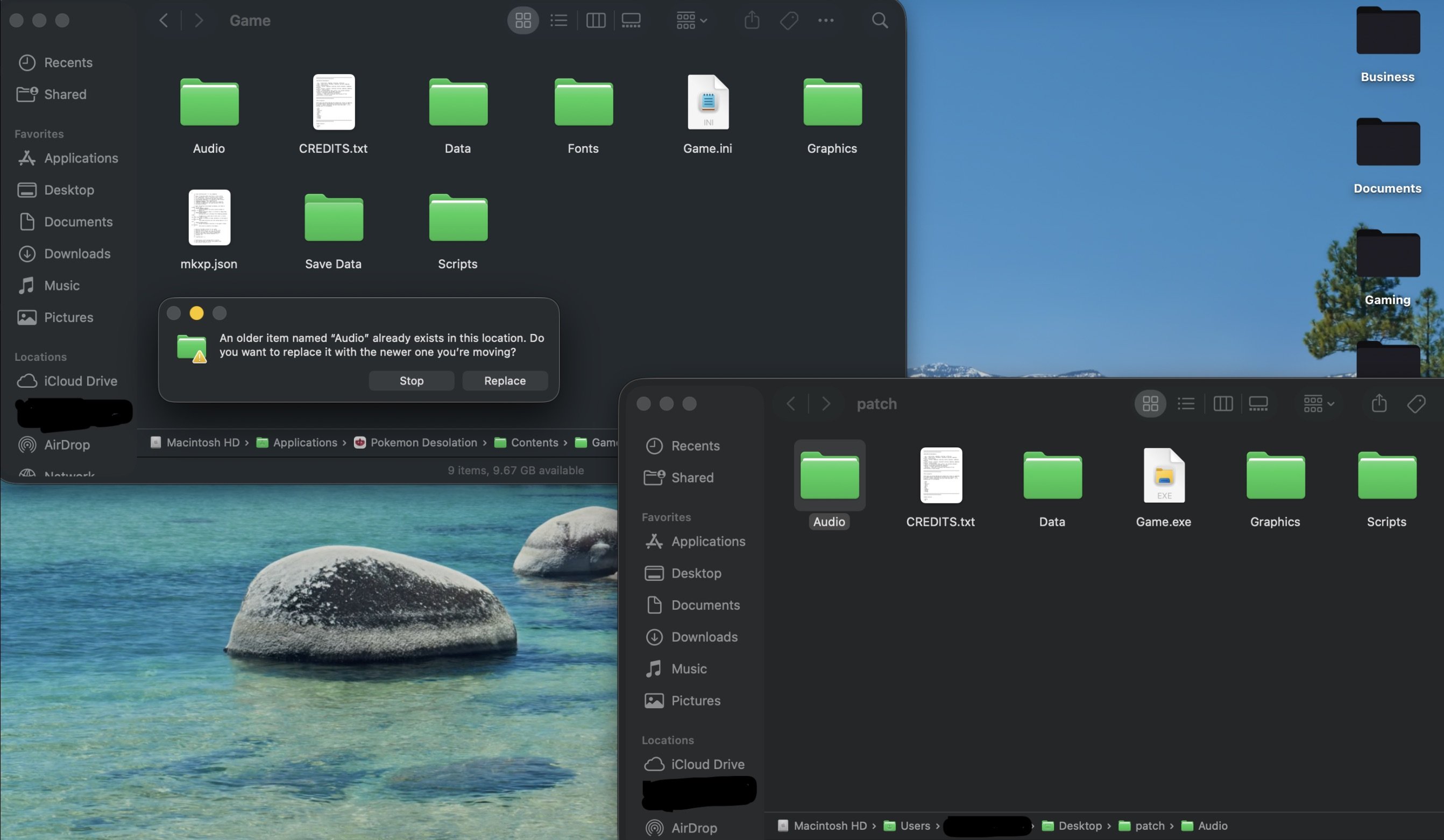
 Hi there! I'm very familiar with this very arduous process on MacOS. Here's a quick guide. Download the base version of the game AND Download the mac-only patch (see attached image) Download the latest patch & Open it in a New Finder Window In a new (second) Finder Window, navigate to your Game folder in Pokemon Desolation /Applications/Pokemon Desolation --> Right Click "Show Contents" --> Navigate inside your Game folder. Copy each folder (Audio, Data, Scripts, Graphics) FROM the Patch folder INTO the Game folder, and when prompted to Replace or Merge, click Merge. If you are only seeing "Stop" and "Replace" like in the image below, you need to make sure you Copy/Paste and NOT Drag the folders. Open Desolation, walk out of whatever map you are currently on and walk back into it to refresh the map with the latest patch. (If you are starting from the beginning, ignore this step) Enjoy the game! Disclaimer: selecting "Replace" in step 4 will break your build of Desolation and you will have to re-download the base game to get a fresh copy and repeat this again. Additionally, do not drag the folders (Audio, Data, Scripts, Graphics) or you will not be prompted with the option to Merge. You must copy and paste (cmd c + cmd v shortcuts will work.) Please let me know if it works! Otherwise, feel free to dm me on discord @dariusmcomposer.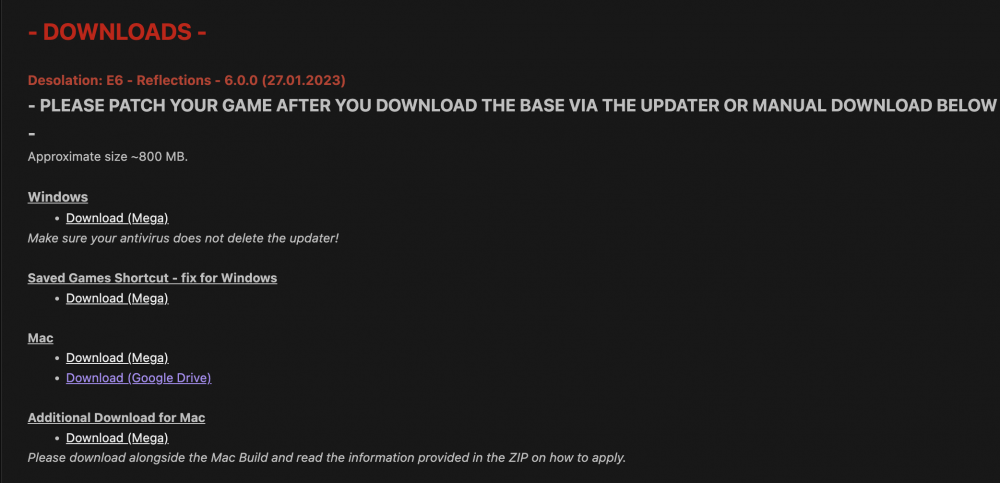

-
Darius changed their profile photo
-
Hope everyone enjoys!! Looking forward to seeing all the reactions and streams!
-
Thunder, Blizzard, and Fire Blast TMs are in the Obsidia Dptmt Store Penthouse by giving the kid three drinks from the vending machine. Leech life is found on Route 2 once you get Rock Climb, near the Fiore Mansion. Rock Slide and Dragon Claw are given to you by Hardy and Saphira respectively upon defeat.
-
I like this list! The meteor battles have great music too. Thanks for commenting!
-
Love these choices! Seventh Street is such a bop too, I forgot to add to my HM's! Thanks for sharing.
-
Hello everyone! My name's Darius, and I'm a big music guy. I looked around the Reborn forums and didn't see anything similar to this post so I thought I'd make it. Post your top 5 Reborn tracks below! You can find a list of the tracks on your Pokegear in-game, or in the audio section of your Reborn folder. Big shout-out to Dinkertons on YouTube for all the links. Here are my choices: Top 5: 1. Atmosphere - Tourmaline (Desert theme) 2. Atmosphere - Flux (Glass Workstation theme) 3. Battle - Legendary (Self-explanatory) 4. Reborn - Beryl & Peridot (Old) 5. Sinister Uprising (Meteor Cutscenes) Honorable Mentions: Atmosphere - Smoke (Some Meteor Hideout I think) Atmosphere - Explore (Ametrine Mountain?) Atmosphere - Light Realm (Cult Battle theme) Atmosphere - Majesty (Dramatic cutscenes)



 , i hope that you will have a fun day
